

Introduction
If you recently tried using InSnoop Instagram Story Viewer and saw a “Server Unavailable” error, you’re not alone. Many users are facing the same issue where the tool simply doesn’t load or fails to fetch Instagram stories.
To find a real solution, I personally tested multiple tools — including InSnoop, StoriesIG, and InstaStories — and documented actual results.
This guide explains why InSnoop is not working, how to use working alternatives, and which tools are reliable in 2026.
Why InSnoop Is Not Working
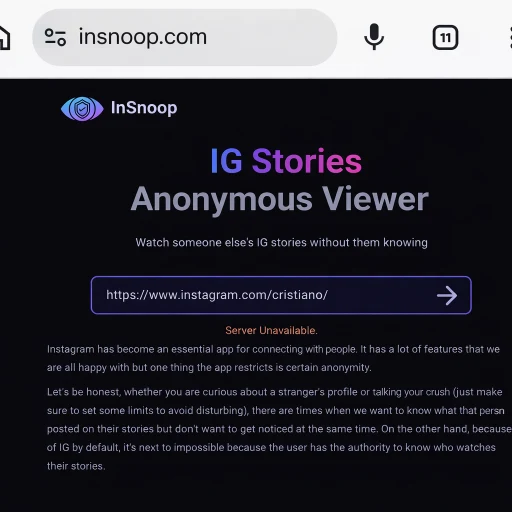
During testing, InSnoop consistently showed:
- “Server Unavailable” error
- No results loading
- Tool completely unresponsive
Possible reasons:
- Server downtime or overload
- Instagram blocking third-party access
- Weak backend infrastructure
- No regular updates from developers
Final verdict:
InSnoop is currently unreliable and not suitable for regular use
Real Test: What Actually Works in 2026
To verify working solutions, I tested alternatives using a public account (cristiano).
Results summary:
| Tool | Status | Speed | Download Option |
| InSnoop | Not Working ❌ | — | No |
| StoriesIG | Working ✅ | Fast | Easy |
| InstaStories | Working ✅ | Medium | Limited |
StoriesIG – Best Working Instagram Story Viewer
My Real Experience
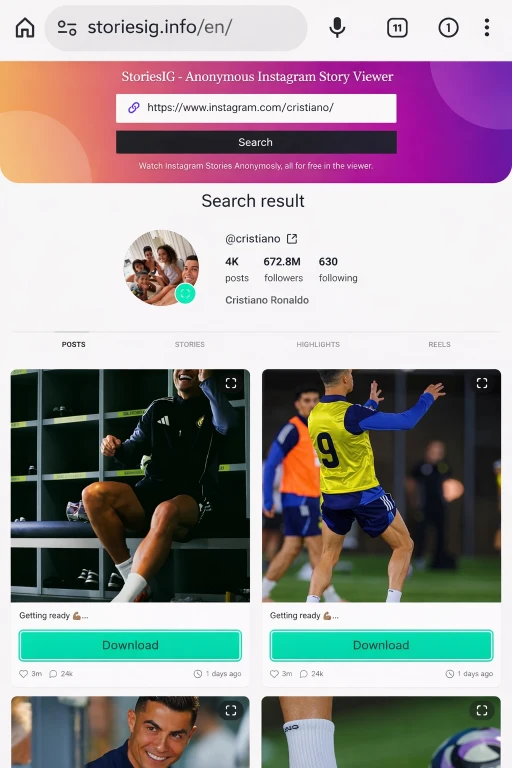
- Entered username → cristiano
- Results loaded in 3–5 seconds
- Profile, posts, and highlights appeared instantly
- Download button available for images
This tool worked smoothly without errors
How to Use StoriesIG
- Open StoriesIG website
- Enter Instagram username or profile URL
- Click Search
- View stories, posts, and highlights
- Click Download if needed
Pros
- Fast loading
- Works without login
- Download option available
- Clean interface
Cons
- Ads on page
- Only public accounts supported
InstaStories – Good Alternative but Limited
My Real Experience
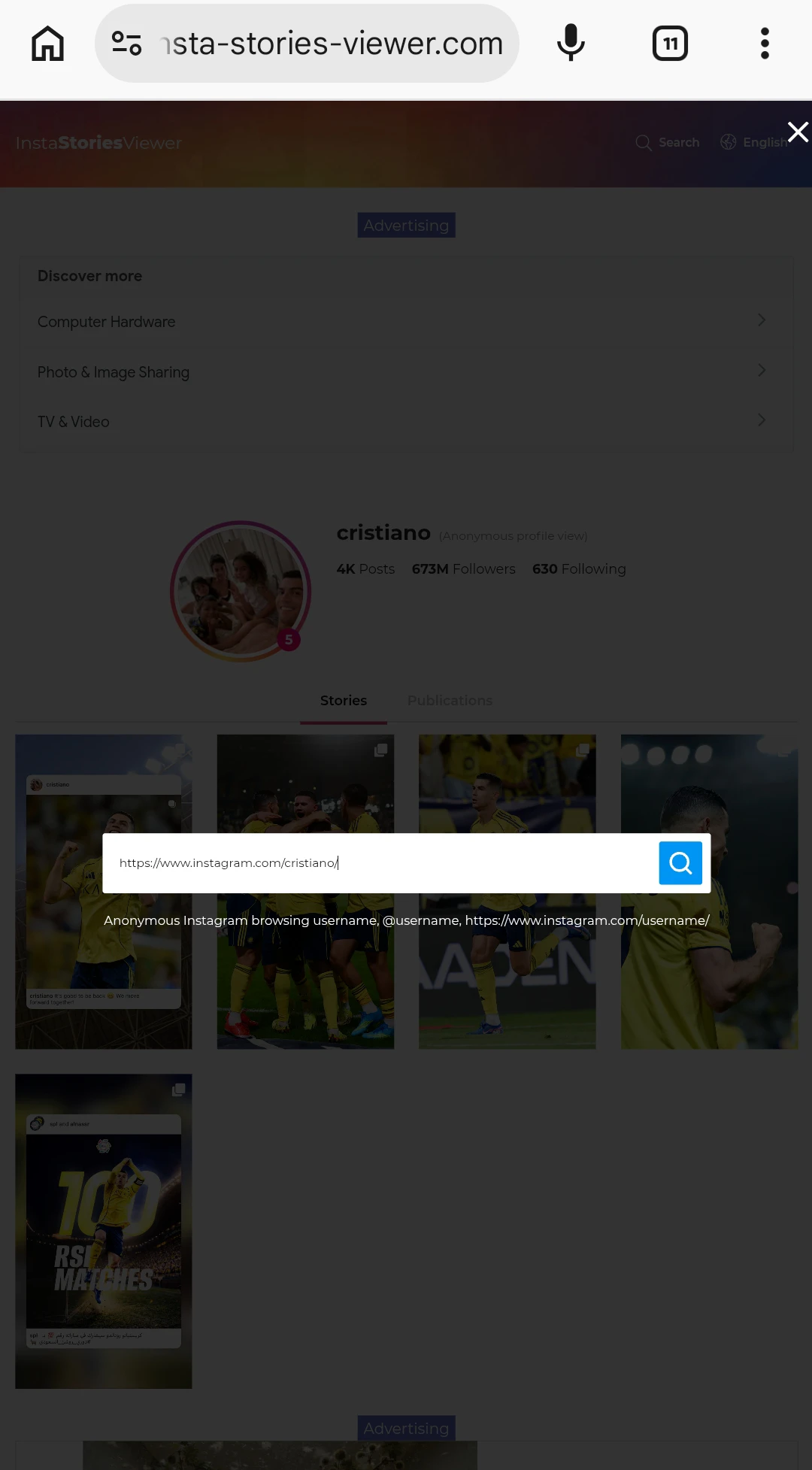
- Username search worked
- Stories and highlights displayed
- Interface simple but slower than StoriesIG
- Download option not easily accessible
How to Use InstaStories
- Open InstaStories website
- Enter Instagram username
- Click search
- Browse stories and highlights
Pros
- Works consistently
- Simple interface
- No login required
Cons
- No easy download option
- Slightly slower performance
Can You Really View Instagram Stories Anonymously?
Here’s the honest truth:
- These tools only work with public accounts
- Private profiles are not accessible
- Instagram frequently blocks such tools
That’s why tools like InSnoop stop working over time
Important Safety Tips
Before using any Instagram viewer:
- Never enter your Instagram login details
- Avoid tools asking for permissions
- Use only for public content
- Don’t rely on one tool only
Key Takeaways
- InSnoop is currently not working due to server issues
- StoriesIG is the best working tool right now
- InstaStories is a backup option
- Only public accounts can be viewed
- Instagram frequently blocks these tools
- Always prioritize safety and privacy
FAQs
Why is InSnoop showing server unavailable?
Because its servers are down or blocked by Instagram.
Which Instagram story viewer is working now?
StoriesIG is the most reliable option currently.
Can I view private Instagram stories?
No, these tools only work for public accounts.
Is it safe to use these tools?
Generally safe if you don’t enter personal data.
Why do these tools stop working?
Instagram regularly blocks third-party tools to protect user privacy.
Conclusion
If you were relying on InSnoop Instagram Story Viewer, it’s clear from real testing that the tool is no longer reliable due to server issues.
However, alternatives like StoriesIG and InstaStories are still working and provide a better experience. Among them, StoriesIG stands out because of its speed, ease of use, and download functionality.
The key is to stay updated, use trusted tools, and understand that no tool will work permanently due to Instagram restrictions.